


Event crew scheduling

Bring crews, call times and locations together from setup to breakdown. Share changes with the team and collect the hours actually worked.

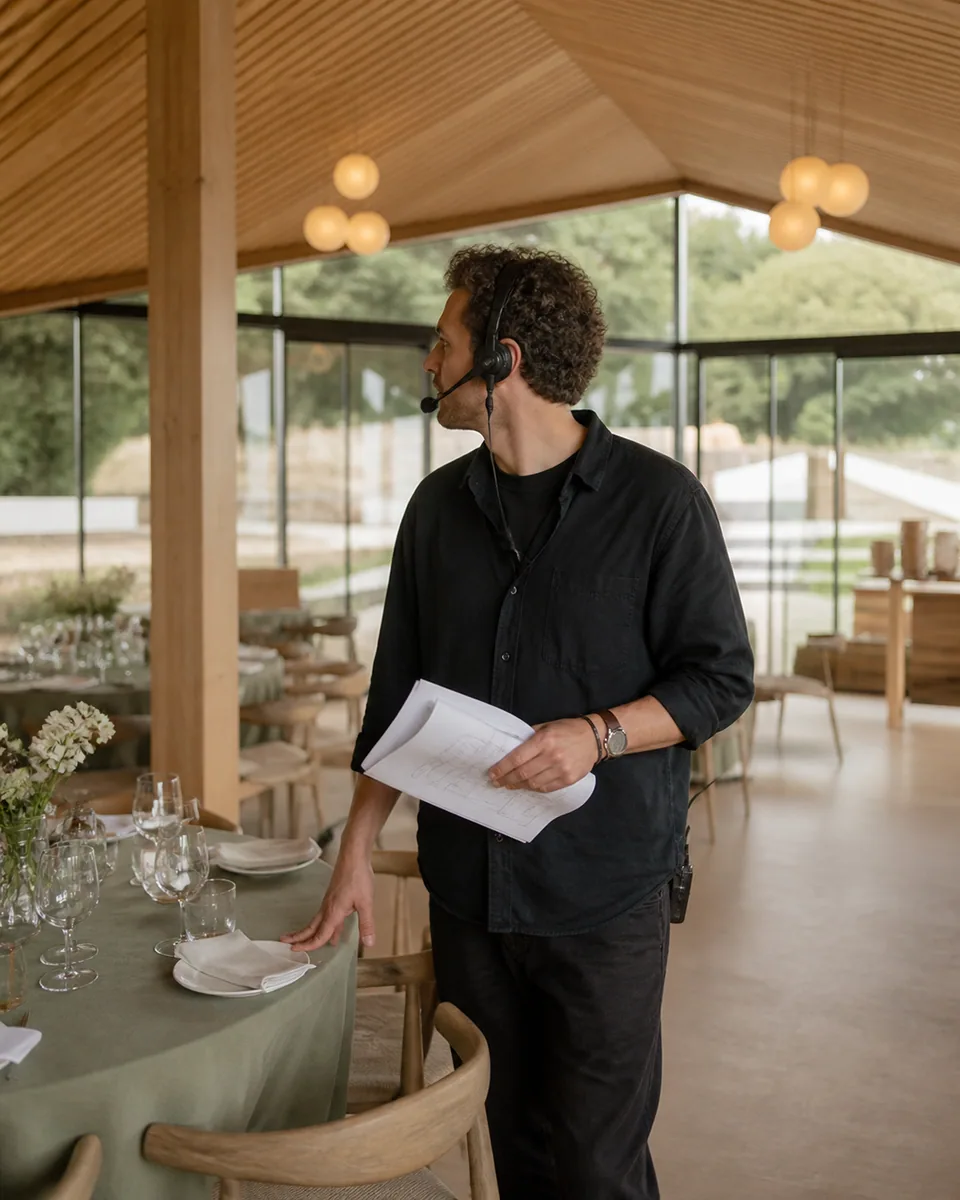
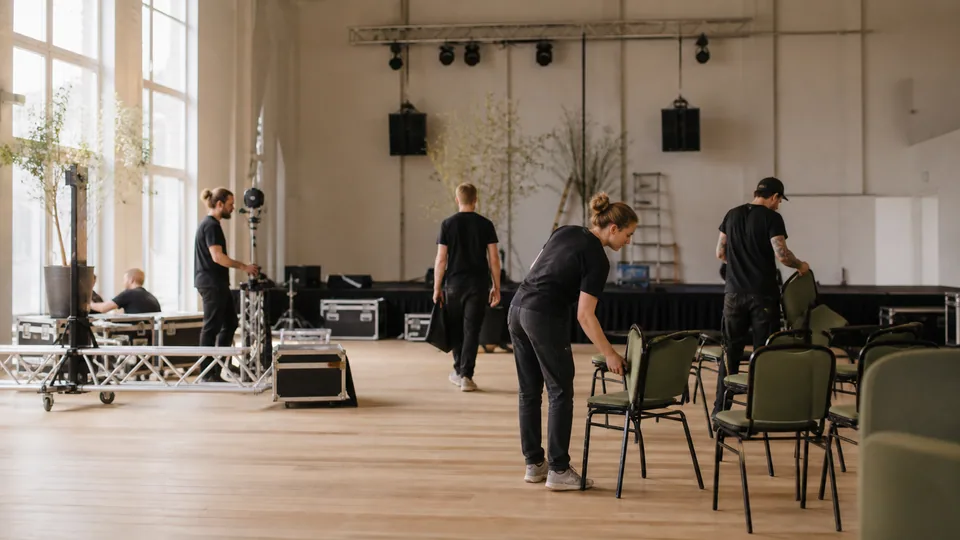
Event crew member checking venue preparations
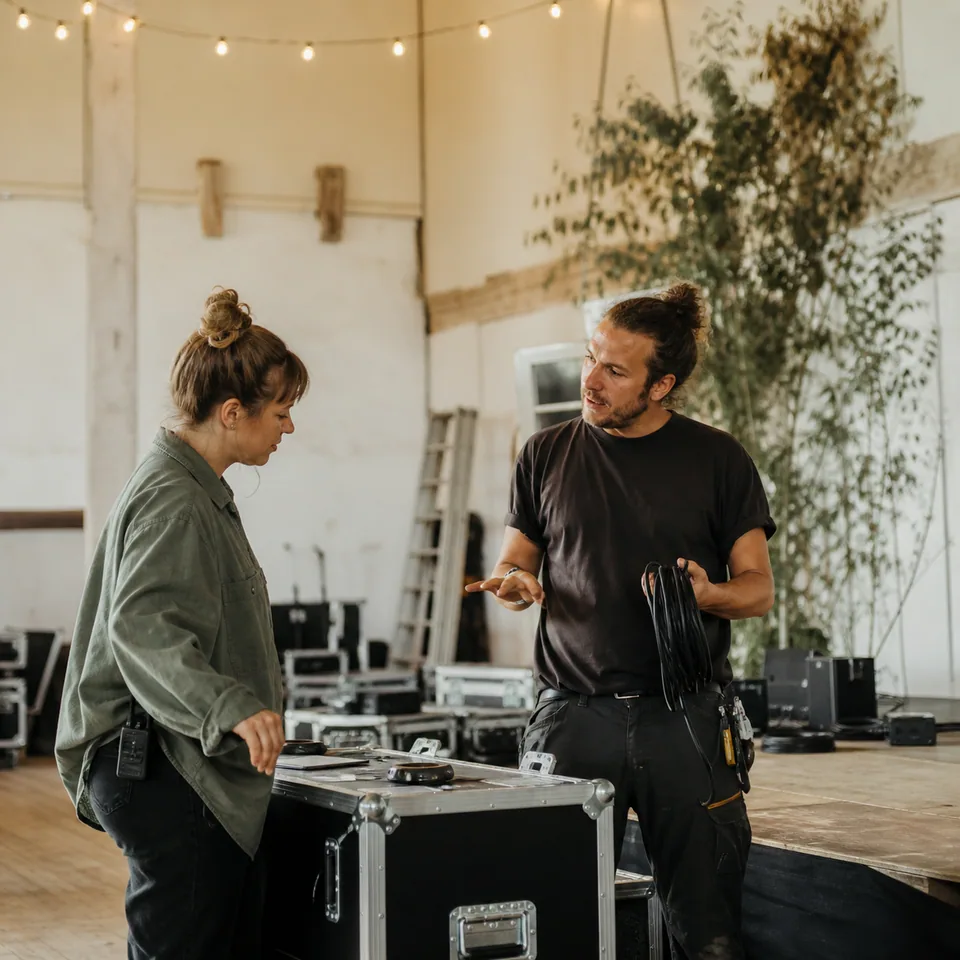
Two crew members coordinating stage setup
Event crew setting up chairs and stage equipment

Built around your working day

Keep track of the crew throughout the event

Teams arrive at different times and places. Make coverage clear before setup and guest arrivals begin.

Crew members can check shifts and call times on mobile, including the latest changes.

Assign setup, guest services and crew leads to the locations that need coverage.

Collect actual hours after the event so extra time during breakdown is included.

Week 28
6 Jul - 12 Jul · Event Nord
Step 1 of 2The demo is ready. Apply the template to begin.
Event Nord
Mon06.07.2026
Tue07.07.2026
Wed08.07.2026
Thu09.07.2026
Fri10.07.2026
Sat11.07.2026
Sun12.07.2026
Setup14 shifts103h
07.00-15.00Mikkel Sørensen
12.00-19.00Anders Berg
07.00-15.00Anders Berg
12.00-19.00Emil Jensen
07.00-15.00Emil Jensen
12.00-19.00Mikkel Sørensen
07.00-15.00Mikkel Sørensen
16.00-22.00Anders Berg
07.00-15.00Anders Berg
12.00-19.00Emil Jensen
07.00-15.00Mikkel Sørensen
12.00-19.00Anders Berg
07.00-15.00Emil Jensen
16.00-22.00Mikkel Sørensen
Guest services10 shifts77h
07.00-15.00Maria Lund
07.00-15.00Alma Madsen
07.00-15.00Maria Lund
07.00-15.00Sofie Nielsen
15.00-22.00Alma Madsen
07.00-15.00Maria Lund
15.00-22.00Alma Madsen
07.00-15.00Alma Madsen
15.00-22.00Maria Lund
07.00-15.00Alma Madsen
Crew lead18 shifts114h
10.00-16.00Sofie Nielsen
16.00-22.00Ida Nørgaard
10.00-16.00Ida Nørgaard
16.00-22.00Jonas Holm
10.00-16.00Jonas Holm
16.00-22.00Maja Larsen
10.00-16.00Jonas Holm
12.00-19.00Ida Nørgaard
16.00-22.00Maja Larsen
10.00-16.00Sofie Nielsen
12.00-19.00Jonas Holm
16.00-22.00Ida Nørgaard
10.00-16.00Ida Nørgaard
12.00-19.00Jonas Holm
14.00-22.00Sofie Nielsen
10.00-16.00Maja Larsen
12.00-19.00Sofie Nielsen
16.00-22.00Jonas Holm

Team chat

Get the latest changes to the crew

Organise messages by department and role so revised call times and open shifts reach the relevant team.

Explore team chat
  • Automatic channels
  • Direct messages
  • Shift actions in chat
Example of a shift swap in Event Nord

Setup

Event Nord · Role channel

Can anyone take my Friday setup shift from 08.00?

I can be there. Share the shift and I will take it.

Shift handover

Friday

08.00–16.00

Sofie Nielsen

Setup · Event Nord

Take shift

Thanks! I will send it here so the schedule is updated too.

From staffing to approved hours

Every employee detail

Keep regular staff and event crews together with their roles, departments and contact details.

Approve only exceptions

Review hours from setup to breakdown before approving the event’s work.

Payroll is ready

Prepare approved hours and configured allowances for payroll without collecting loose timesheets.

Features that keep daily operations connected

From daily scheduling to employee management, communication, documents and payroll.

  • Plan with time off in view

    Approve holiday and absence before assigning shifts.

  • Start your shift here

    Employees see shifts, changes, open shifts and the time clock on mobile.

  • Compare labour costs and revenue

    Track labour costs against revenue over time.

    • Meet Viggo

      Beta

      Your right hand in daily operations.

      Ask Viggo about your data, get the overview and keep moving.

    • Posts & events

      Keep the whole team up to date.

      • New closing-shift routine

        Post · Maria · Today

        Views: 34

      • 12

        SEP

        Summer party by the harbour

        18:00–23:00

        Attending: 42

      • 19

        SEP

        Staff meeting

        09:00–10:00

        Attending: 18

    • Documents & contracts

      Send, read and sign in one place.

      • Employee handbook.pdf

        Document

        34/38 read

      • Employment contract · Sofie

        Contract

        Signed

      • Closing routine.pdf

        Document

        4 pending

  • Secure access

    Sign in with 2FA or biometrics.

  • Plan shifts with keyboard shortcuts

    Copy, select and undo directly from the keyboard.

  • Work faster in the schedule

    A fast schedule that responds instantly.

Pricing

From 10 DKK per active employee/month

Start with scheduling, the employee app and time clock. Upgrade when you need more.

Save DKK 5 with a 12-month commitment.

Starter includes

  • Employee scheduling and reusable templates
  • Mobile employee app and notifications
  • GPS/Wi-Fi time clock

12-month commitment · billed monthly

Minimum charge equals the price of 10 active employees. Prices exclude VAT.
Switch to monoplan

Switch without starting over

Import your crew list and organise the teams. Then move on to locations and shifts for the next event.

  1. 1

    Upload

  2. 2

    Match fields

  3. 3

    Import

Import employees

employees.csv

37 employees

37 employees found

Automatic mapping

3 of 3 fields matched

Name

Name

Email

Email

position

Position

Ready to import

No double payment

Locked into another solution? Apply for up to 12 months without double payment. Documentation and approval required.

Ask about switching

Ready to plan your team’s shifts?

Bring crews, call times and locations together from setup to breakdown. Share changes with the team and collect the hours actually worked.

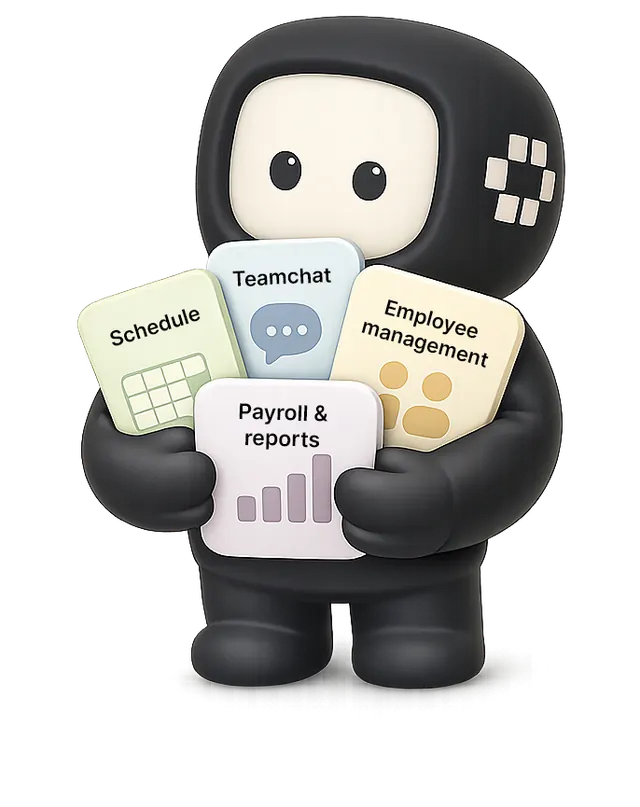
Viggo holding cards for schedules, team chat, employee management, payroll and reports

Event crew scheduling: your questions